Technical checklist for SEO website
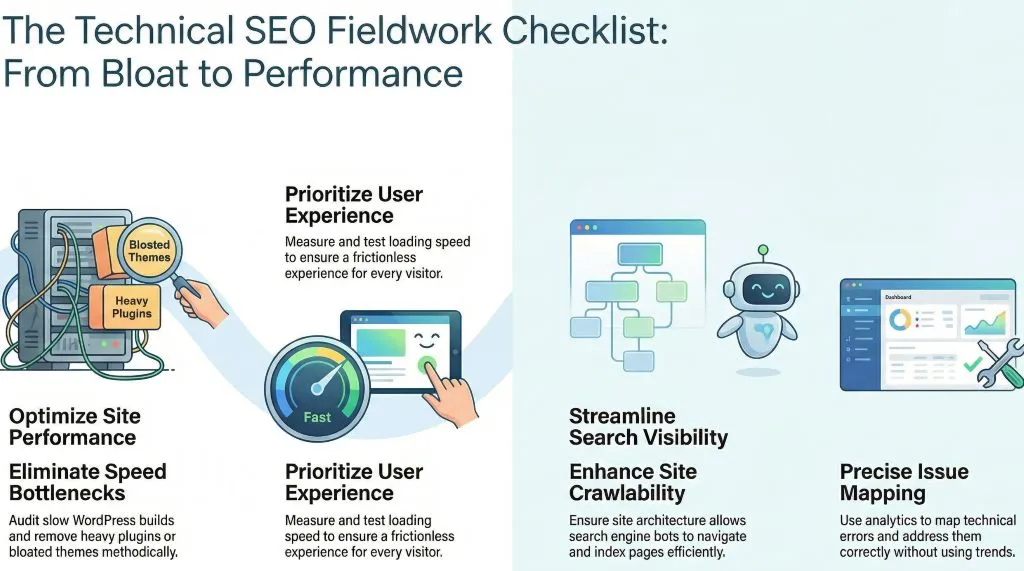
A technical checklist for SEO website is not theory for me but fieldwork. After years auditing slow WordPress builds, bloated themes, and heavy plugins, I have seen rankings rise only after speed bottlenecks were fixed. Site speed is measured, tested, and improved methodically, and results are earned through disciplined technical decisions rather than shortcuts or trends.
Key takeaways following technical checklist for SEO:
- Good User Experience
- Website loading speed
- More Crawlable
- Efficient and address errors correctly
- Clear mapping of each issues
What is the current baseline performance
Before changes are made, speed must be measured with reliable tools. Load time, Core Web Vitals, and server response are recorded.Tools like page.web.dev will serve as benchmark data and also perform some on-page changes at front end .
- Banners up to 100 KB in Webp form
- 1024 sizes of each image
- Proper rendering each content
- Use only necessary Plug ins
A clear baseline is established so progress can be tracked and improvements are validated with evidence.
Where is server delay occurring
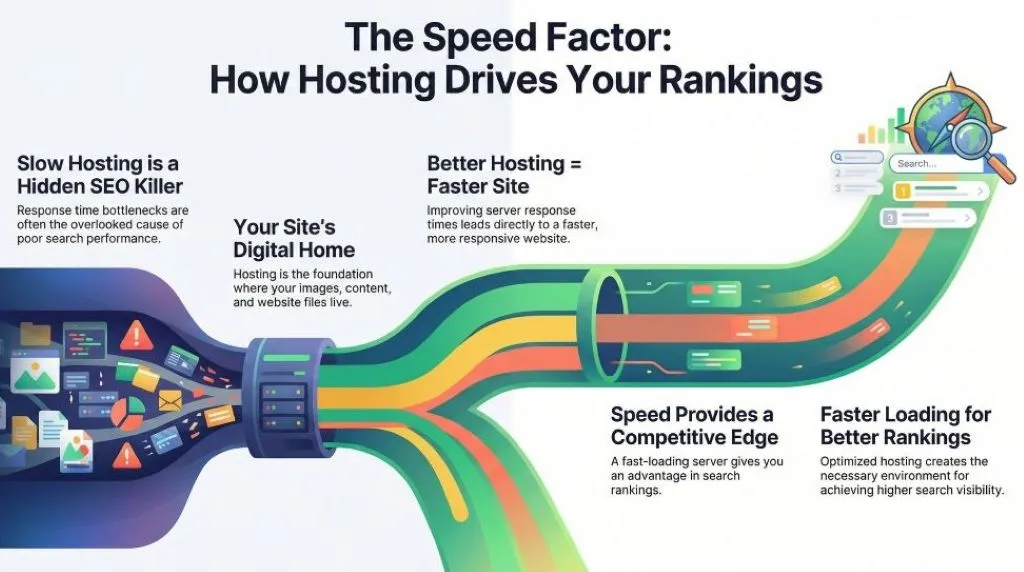
Slow hosting is often the hidden cause. Response times are reviewed and bottlenecks are identified.Fast loading server is like having edge to better rankings but not guarantee.Better hosting response where your images, content and website files live. Better hosting = faster site=better rankings.
Correct images and optimized correctly
Images with greater 100 KB will suffer from the website’s slow response. Even patience is a virtue but users need some result in a fast phase world. JPG , PNG will transform to WEBP form as a standard optimization. Correct image optimization will enhance user experience.
Is code unnecessarily bloated
Unused CSS and scripts are audited and removed. Files are minimized and combined.
Cleaner code is delivered, and parsing time is reduced across devices. Better readability and well structured sites for better crawlability. Yoast makes websites more readable and cleaner codes.
Are caching systems configured properly
Browser and server caching are enabled to store repeat resources. Delays make slow catch up time between users and your latest updates. Limited offers must be noticed immediately for good marketing strategy. Purge cash like fastpixel or WP rocket will help address fast caching.
Where content delivery optimized globally
CDN saves a version of your website literally around the world, even someone in any part of the world gets a fast version . Assets are served from nearby locations.
- Fast load times
- Reliable uptime
- Reduce bandwidth
- Extra layer Security
Latency is reduced and international users experience smoother access.
How many plugins or third party scripts exist
Excess plugins are reviewed and nonessential tools are removed. External calls are limited.Only the usable ones will be installed if the case can be done manually without using any plugins much better. More plugins will make websites slower.
Is mobile performance prioritized
Mobile speed is tested independently since most traffic is mobile. Layout shifts are corrected.
When mobile is optimized first, engagement improves and bounce rates are lowered.Tech world most users using the most convenient way of devices which is handy like mobile. Good mobile speed performance will adopt a large number of users. Prioritizing mobile will boost traffic.
Are Core Web Vitals meeting your technical SEO checklist
Metrics like LCP and CLS are analyzed and refined. Improvements are implemented systematically.
Better scores are achieved, and visibility is often strengthened.
How are results measured after changes
Data is compared before and after updates. Rankings and behavior are reviewed over time.
Speed improves user retention and traffic quality and conversion typically increase.
A technical checklist for SEO website is like an ongoing process, one at a time fixed.For faster pages, edge in competitor, and growth enhancement, start applying these methods today and turn performance into your competitive edge.